13 Home Office Organization Tips for Maximum Productivity
Sponsored
Book Professional Carpet Cleaning
Deep cleaning. Pet stains. Same-day available.
Filter by difficulty:
1
Implement a Clean Desk Policy
🟢 beginner 🔥 high Impact
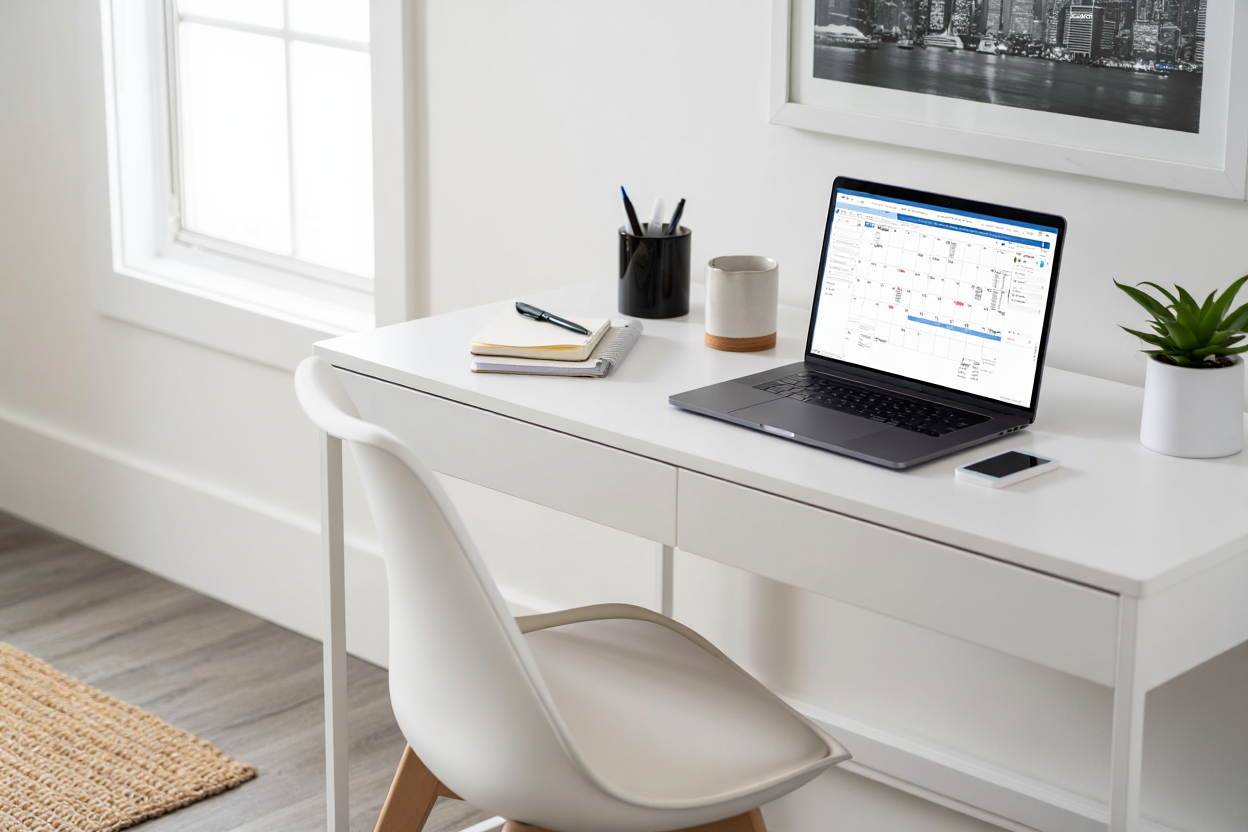
Keep only essential items on your desk surface - computer, lamp, and one project at a time for better focus.
2
Use Vertical Desktop Organizers
🟢 beginner 💪 medium Impact
Stack trays, file sorters, and supply holders to maximize desk space while keeping everything within easy reach.
3
Create Dedicated Equipment Zones
🟢 beginner 💪 medium Impact
Designate specific areas for printer, scanner, and other equipment to maintain clear workflow paths.
4
Set Up Action-Based Filing
🟡 intermediate 🔥 high Impact
Organize documents by action needed - to do, waiting for, reference - rather than just alphabetically.
5
Go Digital with Document Scanning
🟡 intermediate 🔥 high Impact
Scan important papers and create digital filing system to reduce physical paper storage needs.
6
Use Color-Coded Project Folders
🟢 beginner 💪 medium Impact
Assign specific colors to different clients or projects for instant visual identification and organization.
7
Install Under-Desk Cable Management
🟡 intermediate 👍 standard Impact
Use cable trays and clips to keep computer and equipment cords organized and prevent tangling.
8
Create a Charging Station
🟢 beginner 👍 standard Impact
Designate a specific area for charging phones, tablets, and other devices to prevent cord clutter.
9
Use Monitor Arms for Dual Screens
🔴 advanced 💪 medium Impact
Free up desk space and improve ergonomics with adjustable monitor arms for multiple screen setup.
🎁
Bonus Tip
Schedule 15 minutes at the end of each workday to reset your space - file papers, clear surfaces, and prepare for tomorrow.
Sponsored