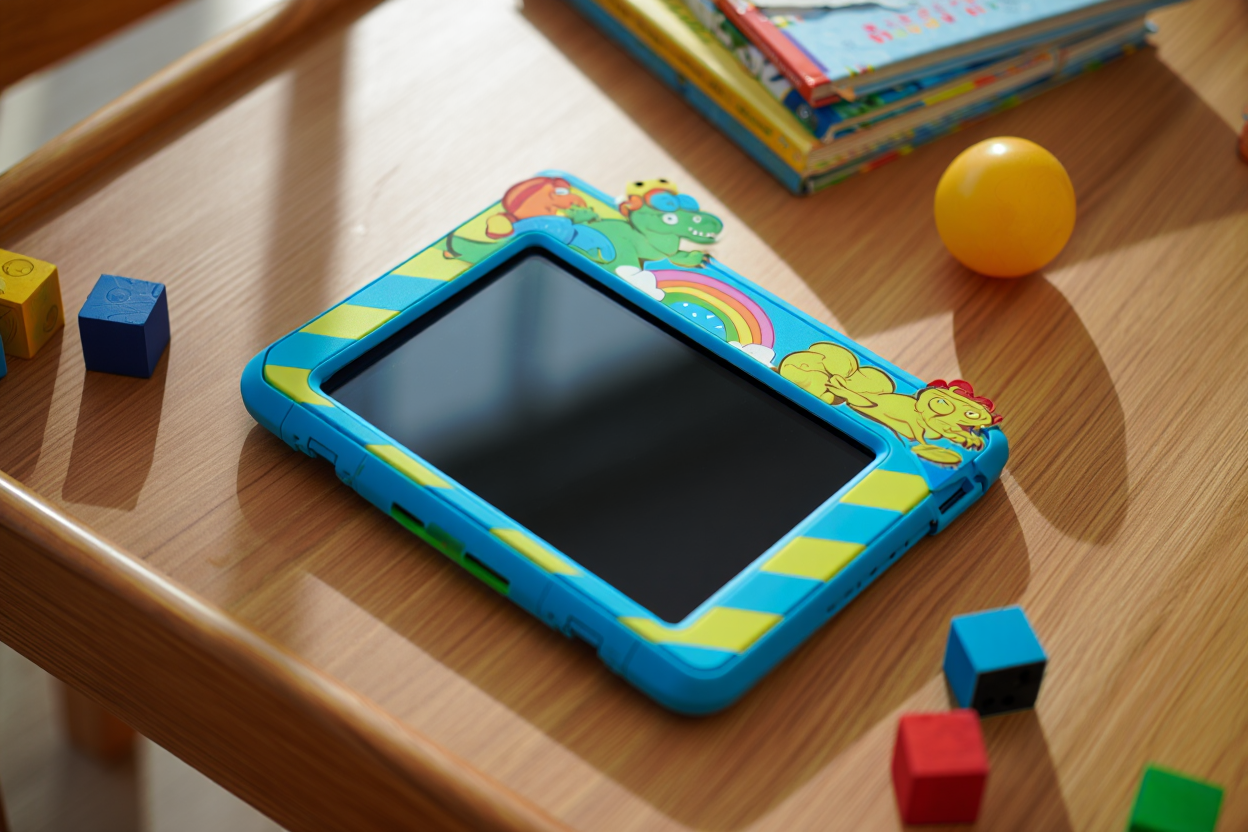
Best Tablets for Kids (2026): Top 10 Picks

Best Tablets for Kids (2026): Top 10 Picks — hero image

Discover the perfect tablets for children in 2026. Featuring robust parental controls, educational content, durable designs, and age-appropriate features to keep kids entertained and learning safely.

Best Products

#1
Comprehensive parental controls and content ecosystem

Amazon Fire HD 10 Kids Pro Amazon

$199 - $249

✓ Pros

  • Excellent parental controls
  • 2-year worry-free guarantee
  • Kid-proof case included
  • Access to Amazon Kids+
  • Good performance for the price

✗ Cons

  • Limited to Amazon ecosystem
  • Ads in interface
  • Not pure Android

Key Specifications

storage 32GB (expandable to 1TB)
processor Octa-core 2.0GHz
resolution 1920x1200 Full HD
screen_size 10.1 inches
battery_life Up to 12 hours
operating_system Fire OS
Learn More

Our Verdict

Best overall choice for parents who want comprehensive controls and a vast library of kid-friendly content.

#2
Premium experience and educational app ecosystem

iPad (10th generation) Apple

$429 - $529

✓ Pros

  • Excellent app ecosystem
  • Great build quality
  • Apple Pencil support
  • Long software support
  • Superior performance

✗ Cons

  • Expensive
  • No rugged case included
  • Limited parental controls compared to dedicated kids tablets

Key Specifications

storage 64GB or 256GB
processor A14 Bionic
resolution 2360x1640 Liquid Retina
screen_size 10.9 inches
battery_life Up to 10 hours
operating_system iPadOS 17
Learn More

Our Verdict

Premium choice for families invested in Apple ecosystem who want the best educational apps and long-term value.

#3
Android flexibility with Samsung Kids features

Samsung Galaxy Tab A8 Kids Edition Samsung

$179 - $229

✓ Pros

  • Samsung Kids mode
  • Good Android performance
  • Expandable storage
  • Decent cameras
  • Affordable price

✗ Cons

  • Plastic build feels cheap
  • Lower resolution screen
  • Limited software updates

Key Specifications

storage 32GB (expandable)
processor Unisoc Tiger T618
resolution 1920x1200
screen_size 10.5 inches
battery_life Up to 13 hours
operating_system Android 12 with Samsung Kids
Learn More

Our Verdict

Good balance of Android flexibility and child safety features at an accessible price point.

#4
Budget-conscious families needing basic functionality

PRIXTON Kids Tablet T1900 PRIXTON

$89 - $129

✓ Pros

  • Very affordable
  • Rugged case included
  • Pre-installed educational apps
  • Parental controls
  • Lightweight design

✗ Cons

  • Low-resolution screen
  • Slow performance
  • Limited app selection
  • Poor camera quality

Key Specifications

storage 32GB (expandable)
processor Quad-core 1.3GHz
resolution 1024x600
screen_size 7 inches
battery_life 6-8 hours
operating_system Android 10
Learn More

Our Verdict

Entry-level option for very young children or families on a tight budget.

#5
Balanced performance and family-friendly features

Lenovo Tab M10 Plus (3rd Gen) Kids Lenovo

$159 - $199

✓ Pros

  • Good build quality
  • Family account management
  • Decent performance
  • Google Family Link integration
  • Affordable

✗ Cons

  • Average display quality
  • Limited exclusive kids content
  • Shorter software support

Key Specifications

storage 64GB (expandable)
processor MediaTek Helio P22T
resolution 1920x1200
screen_size 10.3 inches
battery_life Up to 10 hours
operating_system Android 12
Learn More

Our Verdict

Solid mid-range choice offering good performance and Google's family safety features.

#6
Large screen experience on a budget

VANKYO MatrixPad Z4 VANKYO

$119 - $159

✓ Pros

  • Large 10-inch display
  • Kid-safe case
  • Pre-loaded educational content
  • Good battery life
  • Affordable

✗ Cons

  • Slower processor
  • Lower build quality
  • Limited brand support
  • Basic cameras

Key Specifications

storage 32GB (expandable)
processor Quad-core 1.6GHz
resolution 1280x800
screen_size 10 inches
battery_life 8-10 hours
operating_system Android 10
Learn More

Our Verdict

Budget option with a large screen, good for basic educational content and entertainment.

#7
Toddlers and preschoolers (ages 2-6)

Dragon Touch KidzPad Y88X Pro Dragon Touch

$79 - $109

✓ Pros

  • Very kid-friendly interface
  • Durable design
  • Pre-loaded learning games
  • Affordable price
  • Easy for small hands

✗ Cons

  • Very basic performance
  • Low screen resolution
  • Limited as child grows
  • Poor app ecosystem

Key Specifications

storage 16GB (expandable)
processor Quad-core 1.3GHz
resolution 1024x600
screen_size 7 inches
battery_life 6-8 hours
operating_system Android 10
Learn More

Our Verdict

Perfect starter tablet for very young children who need simple, durable devices.

#8
Educational focus with learning apps

COOPERS T104 Kids Tablet COOPERS

$99 - $139

✓ Pros

  • Education-focused apps
  • Parental dashboard
  • Sturdy build
  • Good value
  • Eye protection features

✗ Cons

  • Limited mainstream app access
  • Slower performance
  • Basic display quality
  • Unknown brand reliability

Key Specifications

storage 32GB (expandable)
processor Quad-core ARM
resolution 1280x800
screen_size 10 inches
battery_life 8-10 hours
operating_system Android 11
Learn More

Our Verdict

Good choice for parents prioritizing educational content over entertainment features.

#9
Entertainment and creativity for older kids

Contixo V8-2 Kids Tablet Contixo

$109 - $149

✓ Pros

  • Good cameras for creativity
  • Decent performance
  • Stylish design
  • Educational content included
  • Good screen size

✗ Cons

  • Average build quality
  • Limited parental controls
  • Shorter battery life
  • Mixed reviews on durability

Key Specifications

storage 32GB (expandable)
processor Quad-core 1.6GHz
resolution 1280x800
screen_size 8 inches
battery_life 6-8 hours
operating_system Android 10
Learn More

Our Verdict

Decent option for kids who want to create content and need better cameras than basic tablets offer.

#10
Ultra-budget option with basic protections

YUMKEM Kids Tablet K7 YUMKEM

$69 - $89

✓ Pros

  • Very affordable
  • Basic parental controls
  • Kid-proof case
  • Lightweight
  • Simple to use

✗ Cons

  • Very limited performance
  • Poor screen quality
  • Minimal app selection
  • Unreliable build quality

Key Specifications

storage 16GB (expandable)
processor Quad-core 1.2GHz
resolution 1024x600
screen_size 7 inches
battery_life 5-7 hours
operating_system Android 9
Learn More

Our Verdict

Bottom-tier option only suitable for very basic use by young children or as a backup device.

Buying Guide

Key Factors to Consider

Durability and Protection

Critical

Kids drop tablets frequently. Look for rugged cases, reinforced corners, and brands offering worry-free replacement guarantees.

Parental Controls

Critical

Essential for managing screen time, content access, and app downloads. Look for comprehensive dashboards and remote management capabilities.

Age-Appropriate Content

High

Access to educational apps, games, and videos suitable for your child's age. Consider both quantity and quality of content libraries.

Screen Size and Quality

High

Larger screens (8-10 inches) are better for educational apps and shared viewing. Higher resolution reduces eye strain.

Performance and Storage

Medium

Adequate processing power prevents frustration. Expandable storage accommodates growing app and content libraries.

Battery Life

Medium

6-8 hours minimum for all-day use. Consider your family's usage patterns and charging habits.

⚠️ Things to Avoid

  • Tablets without protective cases or poor durability
  • Devices with very limited or poor parental controls
  • Models with extremely slow processors that cause frustration
  • Tablets with very short battery life (under 4 hours)
  • Devices from unknown brands with no customer support

Budget Tiers

💰 Budget

$50-120

Basic functionality, simple games, limited app selection. Good for toddlers and preschoolers.

💎 Mid-range

$120-250

Better performance, good parental controls, access to major app stores. Suitable for school-age children.

👑 Premium

$250-550

Excellent performance, premium build quality, best educational app ecosystems. Great for older kids and long-term use.

Frequently Asked Questions

What age is appropriate for a child's first tablet?
Most experts suggest 2-3 years old for supervised use, with independent use around 4-5 years. The key is setting appropriate time limits and choosing age-appropriate content regardless of the child's age.
How important are parental controls on kids tablets?
Very important. Good parental controls let you manage screen time, filter content, control app downloads, and monitor usage. They're essential for creating a safe digital environment for children.
Should I buy a dedicated kids tablet or a regular tablet with restrictions?
Dedicated kids tablets offer better protection, simpler interfaces, and often include worry-free warranties. Regular tablets provide more flexibility and better performance but require more setup and monitoring.
How much screen time is appropriate for children on tablets?
The American Academy of Pediatrics suggests 1 hour for ages 2-5, and consistent limits for older children. Quality matters more than quantity - educational content is preferable to passive entertainment.
Can kids tablets help with education and learning?
Yes, when used appropriately. Many tablets offer excellent educational apps for math, reading, coding, and creativity. The key is choosing quality educational content over pure entertainment and balancing screen time with other activities.