Best iPad Accessories 2026: Keyboards, Pencils & Hubs
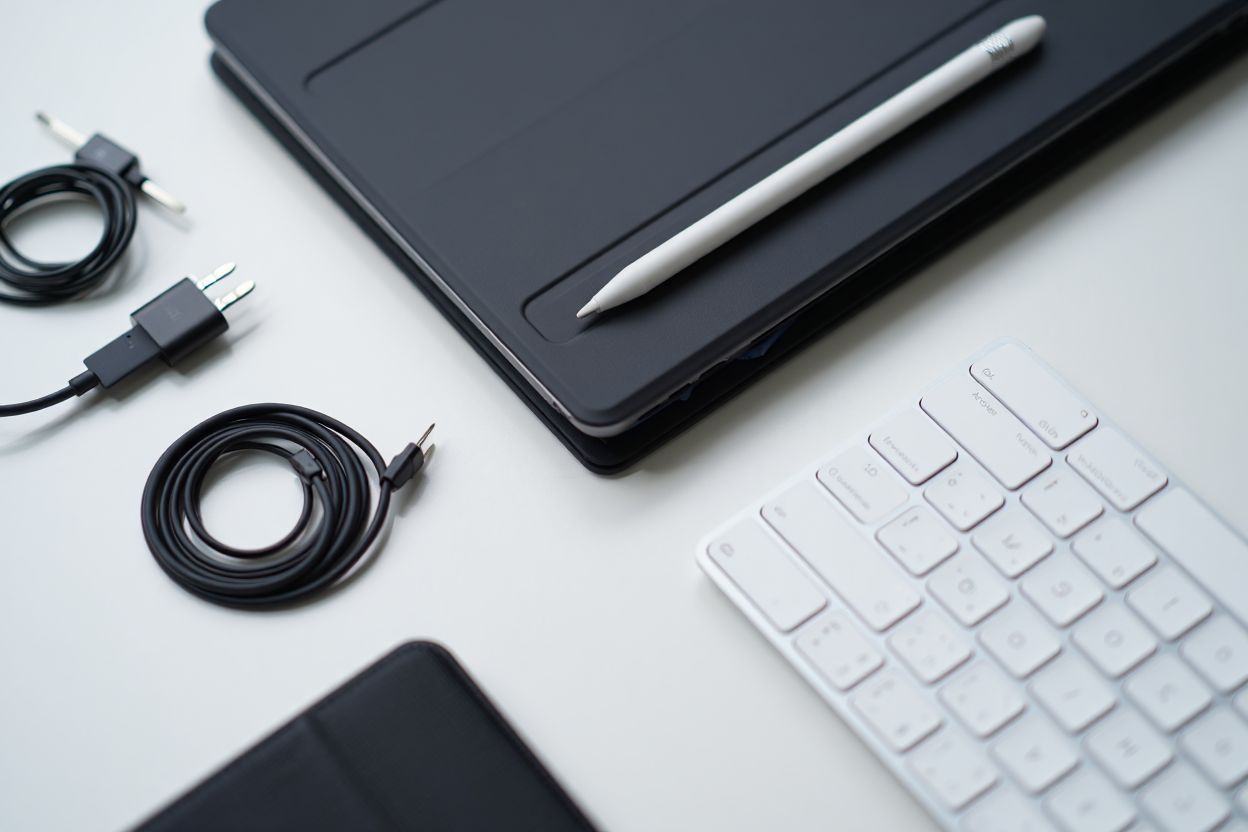
Eight iPad accessories that genuinely extend what your tablet can do.
Quick Comparison
| Rank | Product | Best For | Price | Rating | |
|---|---|---|---|---|---|
| #1 | Apple Pencil Pro Apple | Drawing + notes | $129 – $149 | ★★★★½ | View on Amazon |
| #2 | Magic Keyboard (M4 iPad Pro) Apple | Laptop replacement | $299 – $349 | ★★★★½ | View on Amazon |
| #3 | Combo Touch Logitech | Flex work + sketch | $199 – $249 | ★★★★½ | View on Amazon |
| #4 | Rebound Magnetic Case ESR | Budget case + stand | $29 – $49 | ★★★★☆ | View on Amazon |
| #5 | Paperlike Screen Protector Paperlike | Artists + note-takers | $39 – $49 | ★★★★½ | View on Amazon |
| #6 | USB-C Hub Satechi | Multi-port setup | $65 – $79 | ★★★★½ | View on Amazon |
| #7 | USB-C Hub 7-in-1 Anker | Budget all-ports | $39 – $49 | ★★★★☆ | View on Amazon |
| #8 | Smart Folio Apple | Minimalist stand | $79 – $99 | ★★★★☆ | View on Amazon |
Detailed Reviews
Apple Pencil Pro
by ApplePros
- Squeeze + barrel roll
- Haptic feedback
- Find My tracking
- Magnetic charge
- Low latency
Cons
- Only M4 iPad Pro + M2 Air compatible
- Expensive
Our Verdict
Squeeze, barrel roll, and haptic feedback make this the best stylus ever.
As an Amazon Associate, we earn from qualifying purchases.
Magic Keyboard (M4 iPad Pro)
by ApplePros
- Function row
- Aluminum palm rest
- Trackpad
- Pass-through charging
- Premium feel
Cons
- Expensive ($299-$349)
- Heavy adds weight
- No backlit on all sizes
Our Verdict
Floating hinge design with trackpad and function row.
As an Amazon Associate, we earn from qualifying purchases.
Combo Touch
by LogitechPros
- Detachable keyboard
- Kickstand
- Backlit keys
- Trackpad
- Protective shell
Cons
- Bulkier than Magic KB
- Heavier overall
Our Verdict
Kickstand + detachable keyboard combo with trackpad.
As an Amazon Associate, we earn from qualifying purchases.
Rebound Magnetic Case
by ESRPros
- Magnetic attach
- Trifold multi-angle
- Pencil holder + charging
- Slim profile
- Affordable
Cons
- No keyboard
- No trackpad
- PU material
Our Verdict
Budget Magic Keyboard alternative with trifold cover.
As an Amazon Associate, we earn from qualifying purchases.
Paperlike Screen Protector
by PaperlikePros
- Paper-like texture
- Matte finish
- Reduces Pencil noise
- Glare reduction
- Easy apply
Cons
- Slightly dims screen
- Wears Pencil tips faster
- Adds matte look
Our Verdict
Makes Apple Pencil feel like pen on paper.
As an Amazon Associate, we earn from qualifying purchases.
USB-C Hub
by SatechiPros
- Slim magnetic design
- 4K HDMI
- SD + USB-A
- USB-C passthrough
- Clean Apple aesthetic
Cons
- Limited to 1 HDMI
- Can block Magic Keyboard
Our Verdict
Slim magnetic hub with HDMI, SD, USB-A, and USB-C passthrough.
As an Amazon Associate, we earn from qualifying purchases.
USB-C Hub 7-in-1
by AnkerPros
- 7 ports
- 4K HDMI
- SD + microSD
- USB-C 100W PD
- Affordable
Cons
- Less stylish
- Larger footprint
Our Verdict
More ports, lower price, slightly thicker hub.
As an Amazon Associate, we earn from qualifying purchases.
Smart Folio
by ApplePros
- Clean Apple colors
- Multi-angle stand
- Auto wake/sleep
- Light
- Matches Apple aesthetic
Cons
- No keyboard
- Back not super protective
- Pricey for what it is
Our Verdict
Clean front-and-back cover with multi-angle stand.
As an Amazon Associate, we earn from qualifying purchases.